

CONNECT. VIEW. MANAGE.
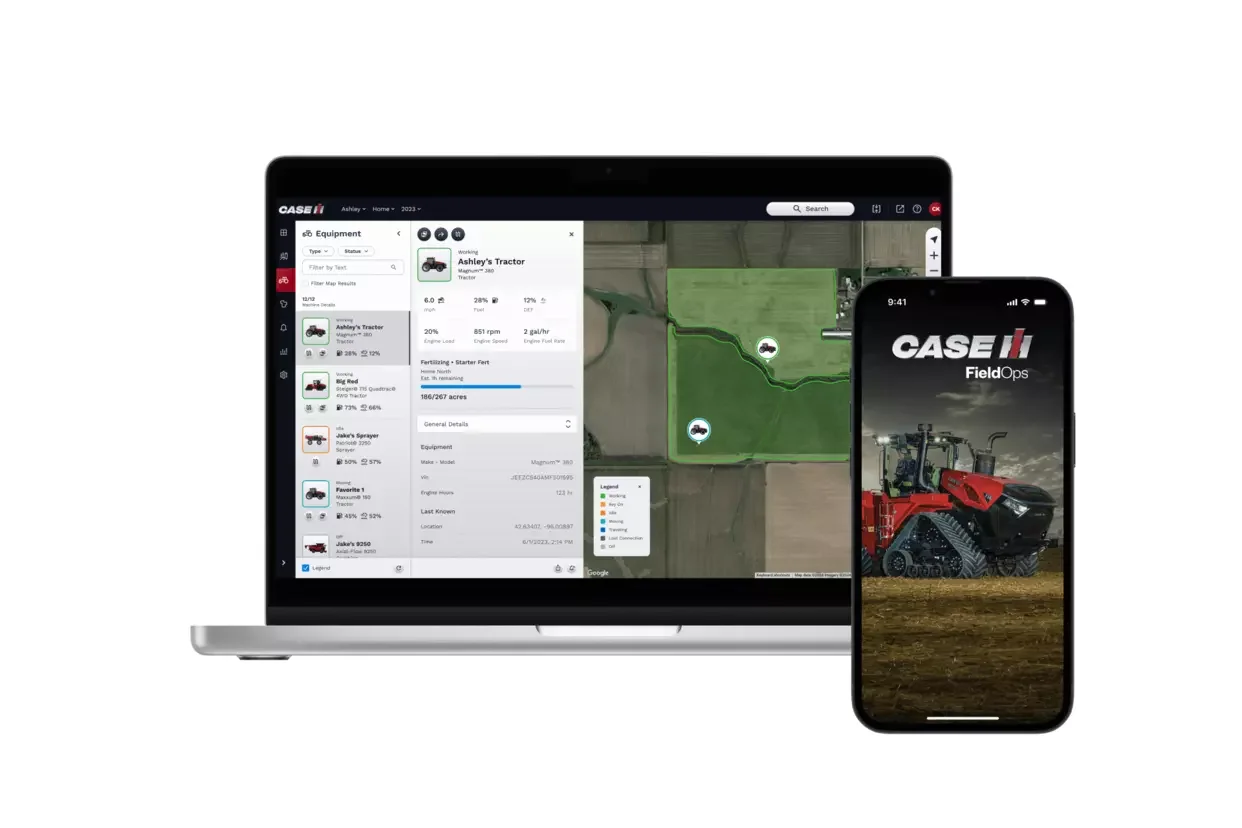
One simplified, comprehensive platform for all your Case IH and multi-branded equipment. The new all-in-one FieldOps™ mobile app stores information from your entire connected fleet, providing one streamlined platform for all your equipment, no matter the color. This cross-fleet compatibility puts all your equipment information in one place for all users.
Get access to informative date and insights, including precise equipment location and duty status, estimated job completion time, and more.
Proactively monitor machine health and quickly spot high-priority issues and receive customized notifications in an instant. Data can be viewed for any specific operating parameter over the course of a season, or over several seasons, to enhance operational efficiency.

-
DO MORE IN LESS TIME
-
ONE SIMPLIFIED, COMPREHENSIVE SOLUTION
-
ACCESS TO REAL TIME DATE & INSIGHTS
- DO MORE IN LESS TIME - ONE SIMPLIFIED, COMPREHENSIVE SOLUTION - ACCESS TO REAL TIME DATE & INSIGHTS
DOWNLOAD THE APP TODAY!
I have an existing Case IH account:
Access Case IH FieldOps™ via Web or Mobile and use your current Case IH account to login and monitor all your machines and fields. Existing accounts include MyBrand, AFS Connect, and MyCNH store.
I am a new user and want to create an account:
Register for a Case IH FieldOps™ Account now for your all-in-one farm data management mobile and web app.
CLICK TO DOWNLOAD


CLICK TO CREATE ACCOUNT
HOW TO CREATE AN ACCOUNT
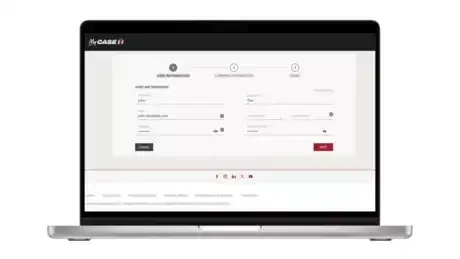
STEP 1: USER INFORMATION
Click the button below to access Case IH FieldOps. In the upper right corner click "Create Account". Enter your information and click "Next"
.
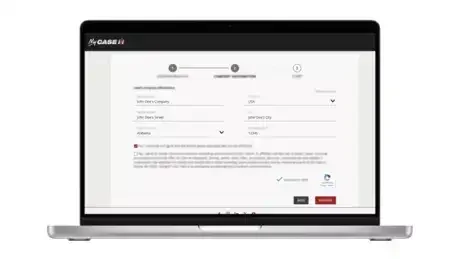
STEP 2: COMPANY INFORMATION
Fill in your company information, review and approve your local privacy policy details.
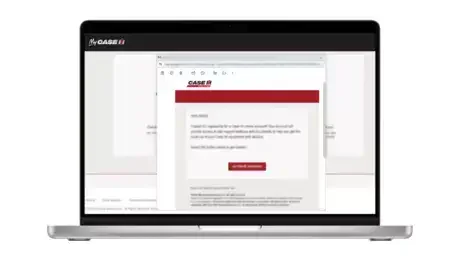
STEP 3: EMAIL ACTIVATION
You will receive an email from Case IH that confirms we have received your account information. Click “Activate Account”.
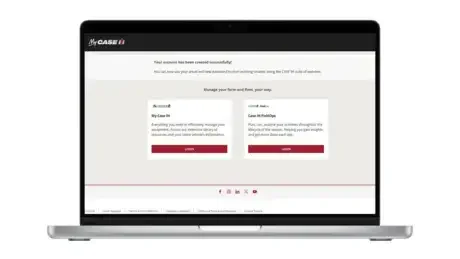
STEP 4: COMPANY INFORMATION
Your account is created. You can now access Case IH FieldOps.